
Last updated on 2026-10-04
Article management
Manage articles generated by campaigns or quick generate before and after publication.
Access your articles
Open Blog posts:
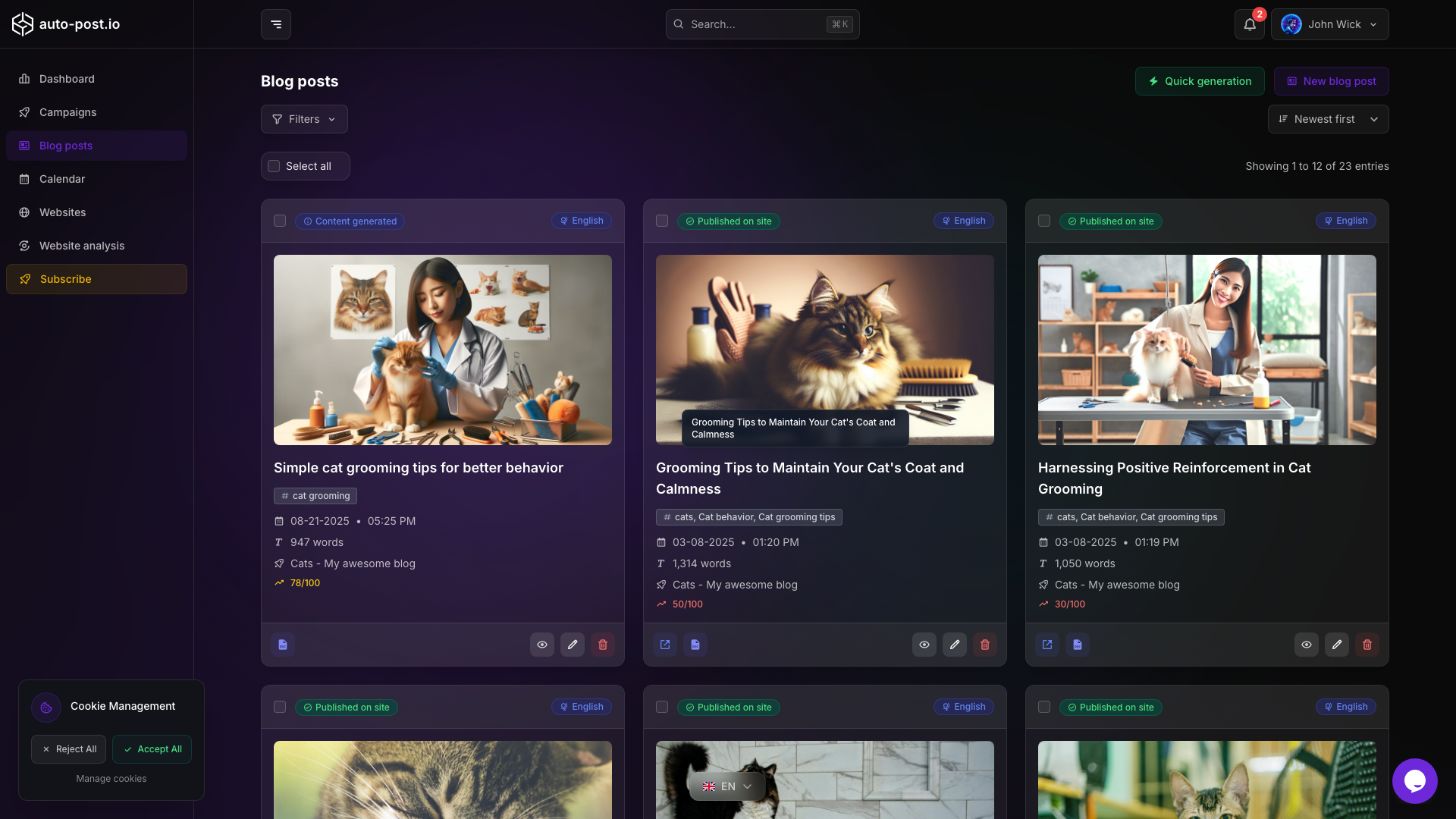
Filter by:
- Status (draft, published, scheduled, error, and others available in the list)
- Campaign
- Website
- Date
Article statuses
| Status | Description | Typical actions |
|---|---|---|
| Draft | Generated but not published | Edit, preview, publish |
| Published | Live on the connected site | Edit, update/republish, view |
| Scheduled | Publication date in the future | Edit, change date, publish |
| Error | Generation or publication failed | Edit, republish, check website connection |
Quick generate
Create a standalone article without a campaign:
- On Blog posts, open Quick generation, or
- On the Calendar, use the magic wand on a day
You provide a keyword or title, optional web search, language, and quality tier. The job creates text plus a featured image and can use a preset publication date from the calendar.
Publish and retry
- From an article page or the list, use Publish / Re-publish to push the article to the connected site again
- Use bulk publish for several articles at once
- If publish fails, verify the website connection on Websites, fix credentials or OAuth, then republish
Editor
- Edit title, content, SEO fields, and featured image in the article editor
- Translate articles (single or bulk) into additional languages
- See Editor guide and SEO optimization
Related documentation
TIP
Review drafts with auto-publish disabled on the campaign, then use bulk publish once a batch looks good.
Last updated on 2026-10-04