
Last updated on 2026-10-04
Advanced scheduling
Fine-tune when campaigns generate content and how you manage publication dates in the calendar.
Campaign scheduling basics
When creating a campaign, configure when and how often content is generated.
Scheduling options
- Campaign type: recurring or one-time (fixed number of posts)
- Frequency: every N days, weeks, months, or years (recurring)
- Preferred days: optional weekday filter for generation
- Preferred time: optional time of day for queuing generation
- Number of posts: total articles for one-time campaigns
- Auto-publish: publish after generation, or keep drafts for review
Details: Campaign management.
Preferred publishing days
Choose which weekdays generation can run.
Available options
- All days: no weekday restriction
- Custom selection: choose specific days
Day numbering
Days are numbered 0-6 where:
- 0 = Sunday
- 1 = Monday
- 2 = Tuesday
- 3 = Wednesday
- 4 = Thursday
- 5 = Friday
- 6 = Saturday
Preferred publication time
Set the time of day when articles are queued for generation.
- Select hour and minute
- Generation is queued around that preferred time window
- Combine with preferred days for a weekly editorial rhythm
Auto-publish settings
- Enabled: articles are published after generation when the website connection allows it
- Disabled: articles stay as drafts for review on Blog posts
Recommended path: start disabled, review a few articles, then enable auto-publish.
Editorial calendar
Open the Calendar to visualize schedule and act on dates.
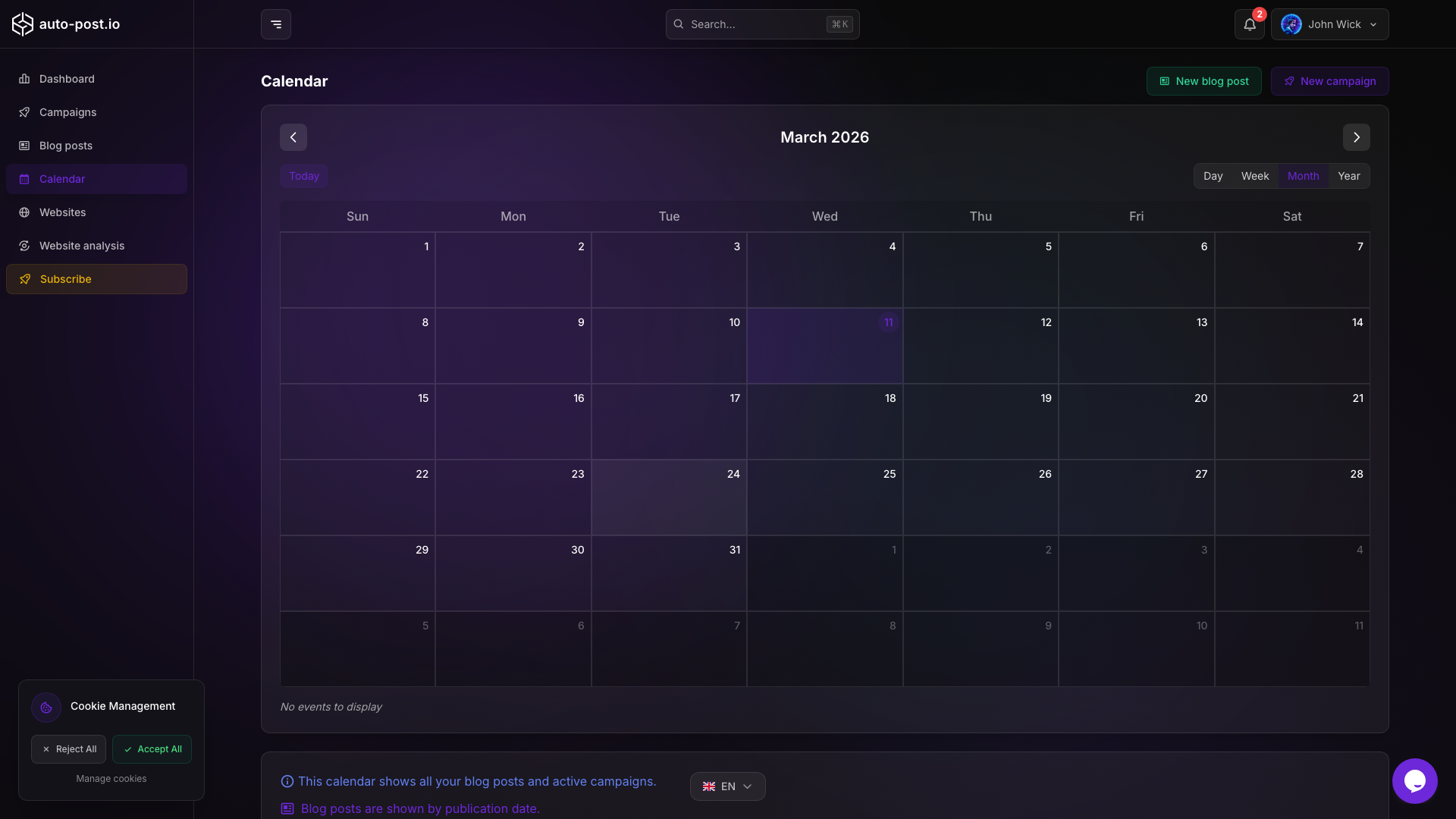
What appears on the calendar
- Blog posts on their publication date
- Active campaigns on their execution dates
Views
- Day
- Week
- Month
- Year
Quick generate from a day
In month and week views, use the magic wand on a day cell to open quick generation with that date as the publication date. See Article management.
Move a blog post date
Drag a blog post event to another day, confirm the change, and the publication date updates (campaign events are display-only and not draggable).
Related documentation
TIP
Use preferred days plus the calendar drag-and-drop to keep a steady weekly publishing cadence without editing each campaign every week.
Last updated on 2026-10-04