
Last updated on 2026-10-04
Website analysis
Website analysis inspects a site URL and suggests keywords, branding details, and campaigns you can accept into auto-post.io.
Open Website analysis.
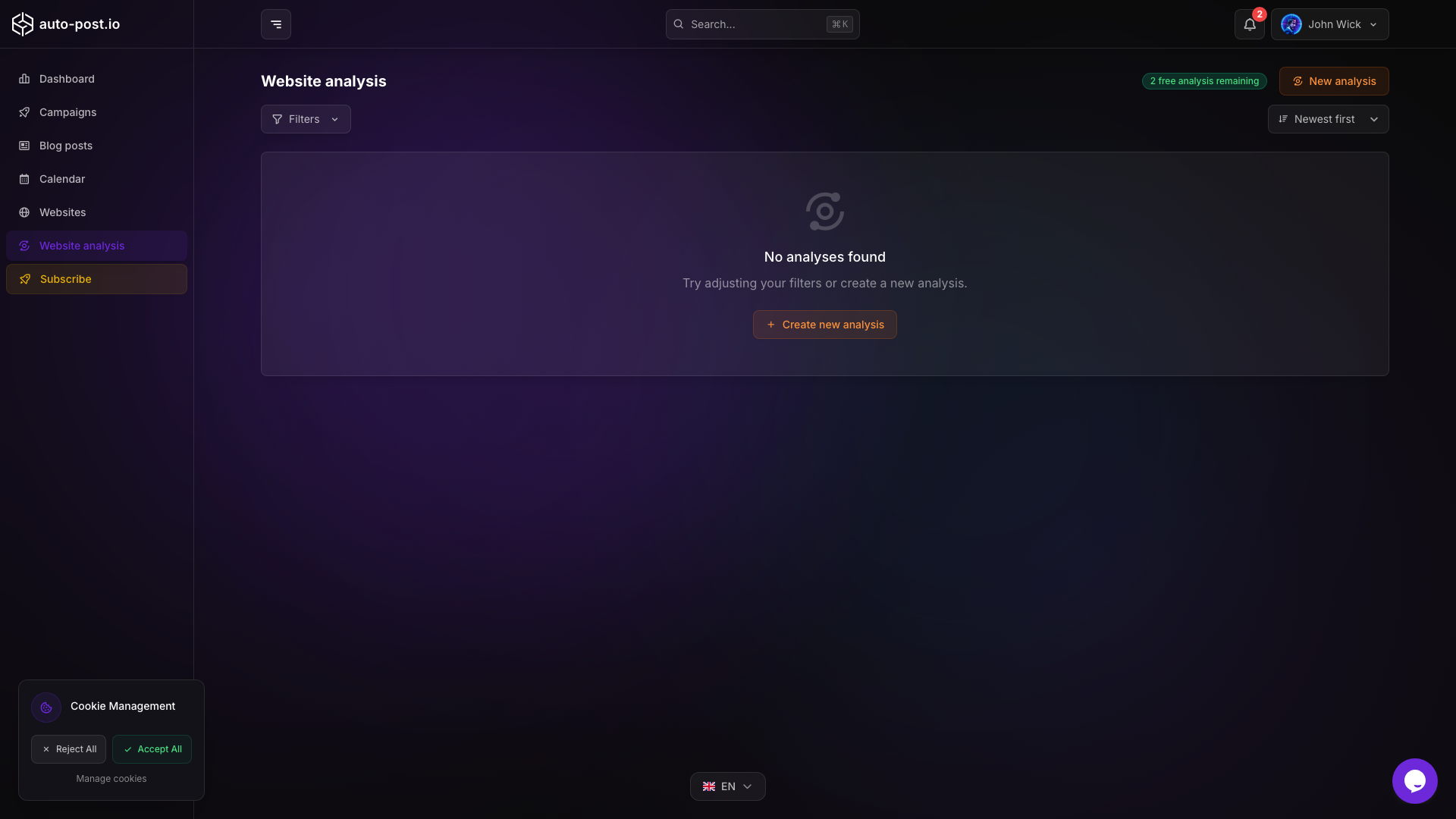
What analysis provides
- Detected language for content generation
- Brand colors when they can be extracted from the site
- Suggested campaigns (keyword, description, frequency)
- A starting point to connect or reuse a website record
Typical flow
- Start an analysis from a URL (or from a connected website when available).
- Wait for the analysis to finish.
- Review language, branding, and suggested campaigns on the analysis page.
- Adjust language or brand colors if needed.
- Select the campaigns you want and accept them to create real campaigns.
Accepted campaigns are created as standard generation campaigns and queued when they are active, the same way as campaigns created from Campaigns.
Preferences on the analysis page
On an analysis result page you can:
- Change the detected language used for generation
- Edit primary, secondary, and accent brand colors when colors were detected
- Select, edit, and accept suggested campaigns in batch
Connection health
Connected websites are checked periodically for HTTP and API availability so publishing can fail fast with a clear connection issue. If publish fails after analysis-driven campaigns start, open Websites and verify the platform connection (WordPress, Wix, Webflow, Shopify, or Payload CMS).
Related documentation
TIP
Run analysis after connecting a site so suggested campaigns already know your categories and branding.
Last updated on 2026-10-04