
Last updated on 2026-10-04
Quick start guide
Get started with auto-post.io in minutes. This guide walks you through account creation, login, and the main app areas.
Create an account
- Go to auto-post.io/register
- Sign up with Google or Microsoft, or use your email
- Agree to the Terms of use
- Start with 1,000 credits (no credit card required)
Log in
- Go to auto-post.io/login
- Sign in with Google, Microsoft, or your email and password
- Open the app dashboard
App pages overview
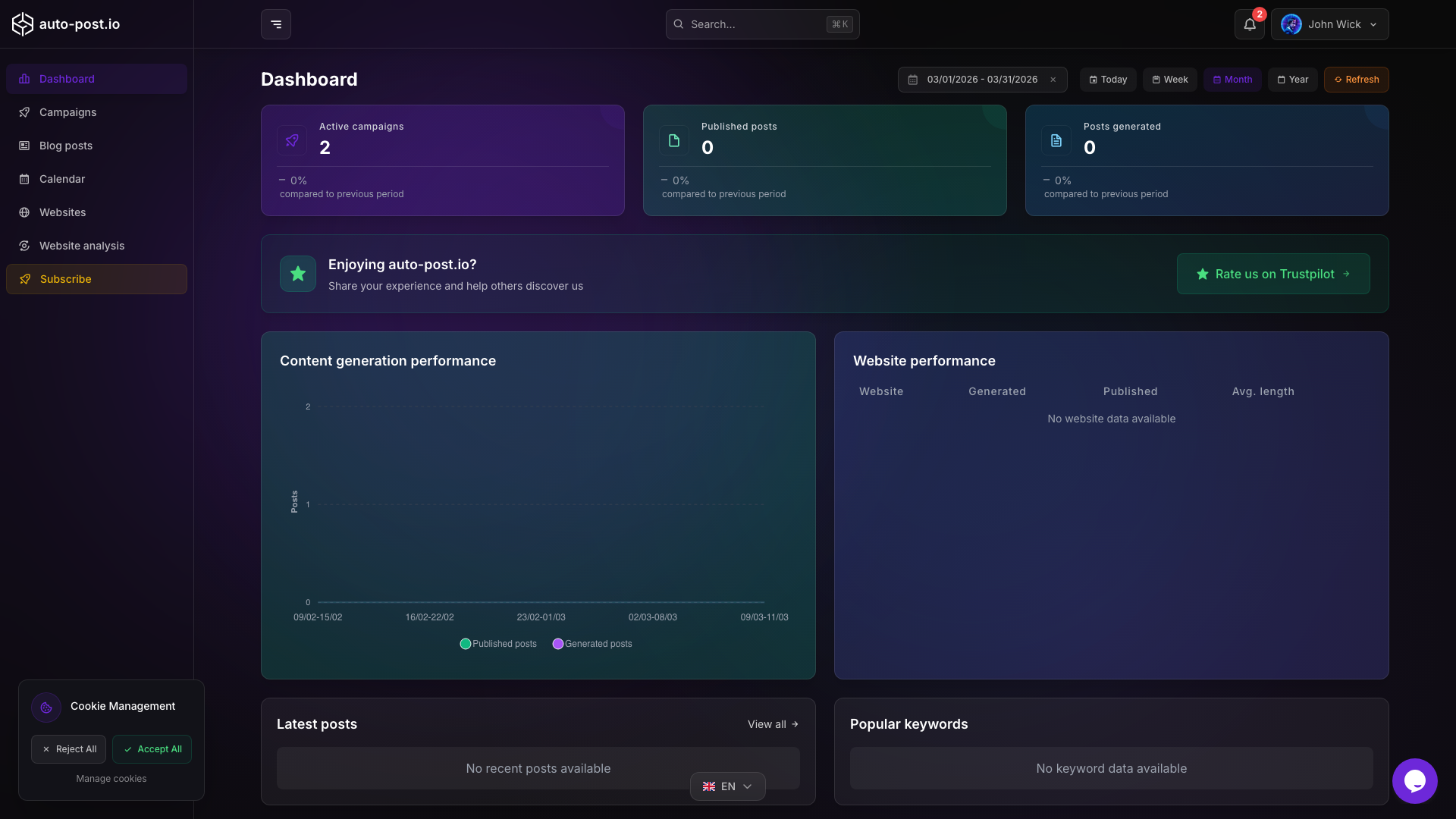
After logging in, you can use these pages:
| Page | URL | Description |
|---|---|---|
| Dashboard | app/ | Content activity counts and charts for a selected period |
| Blog posts | app/blog_post/ | Edit, publish, translate, delete, and quick-generate articles |
| Campaigns | app/campaign/ | Configure automation (keywords, schedule, AI models, bulk edit) |
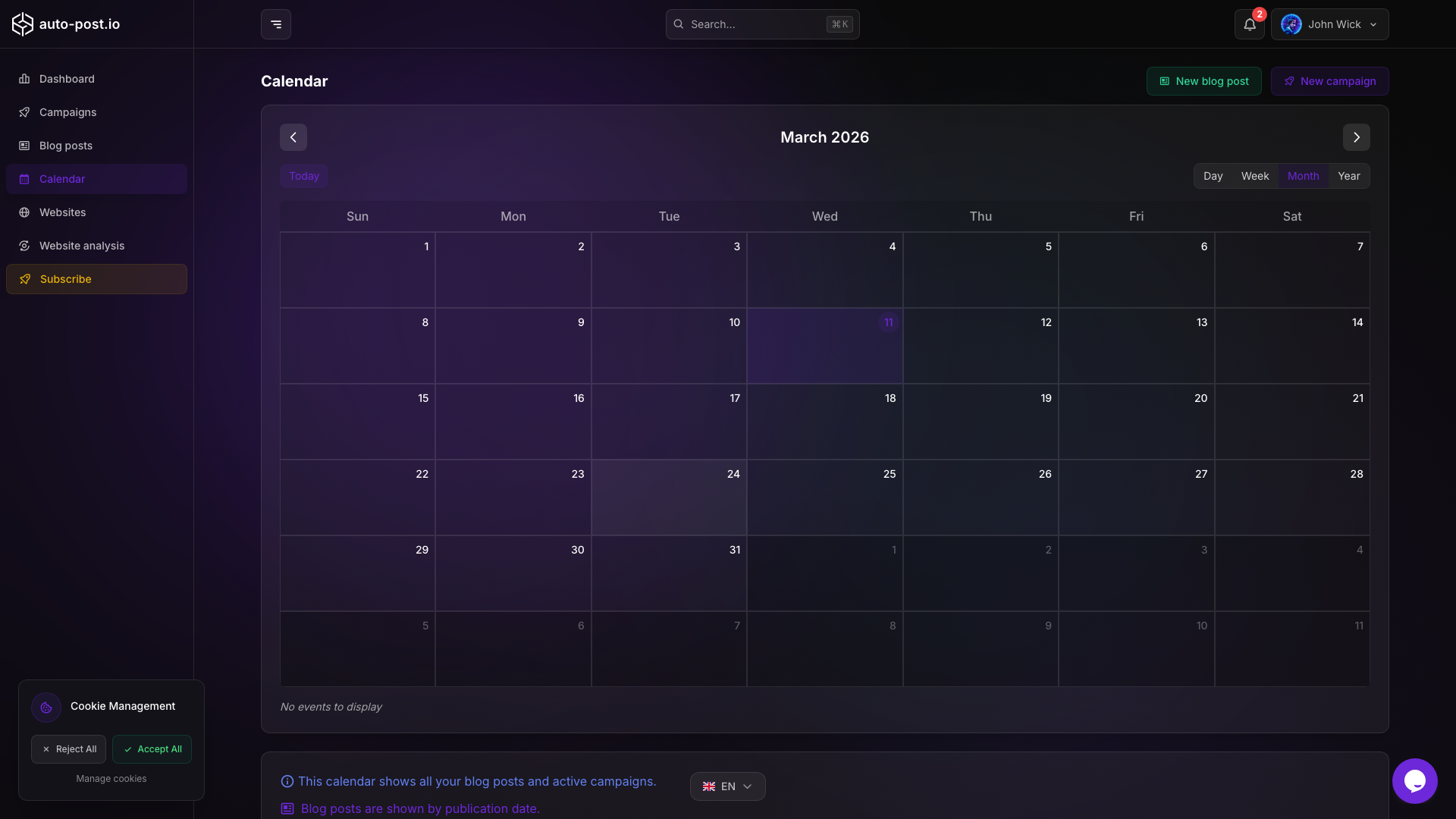
| Calendar | app/calendar/ | View planned publications, move post dates, quick generate by day |
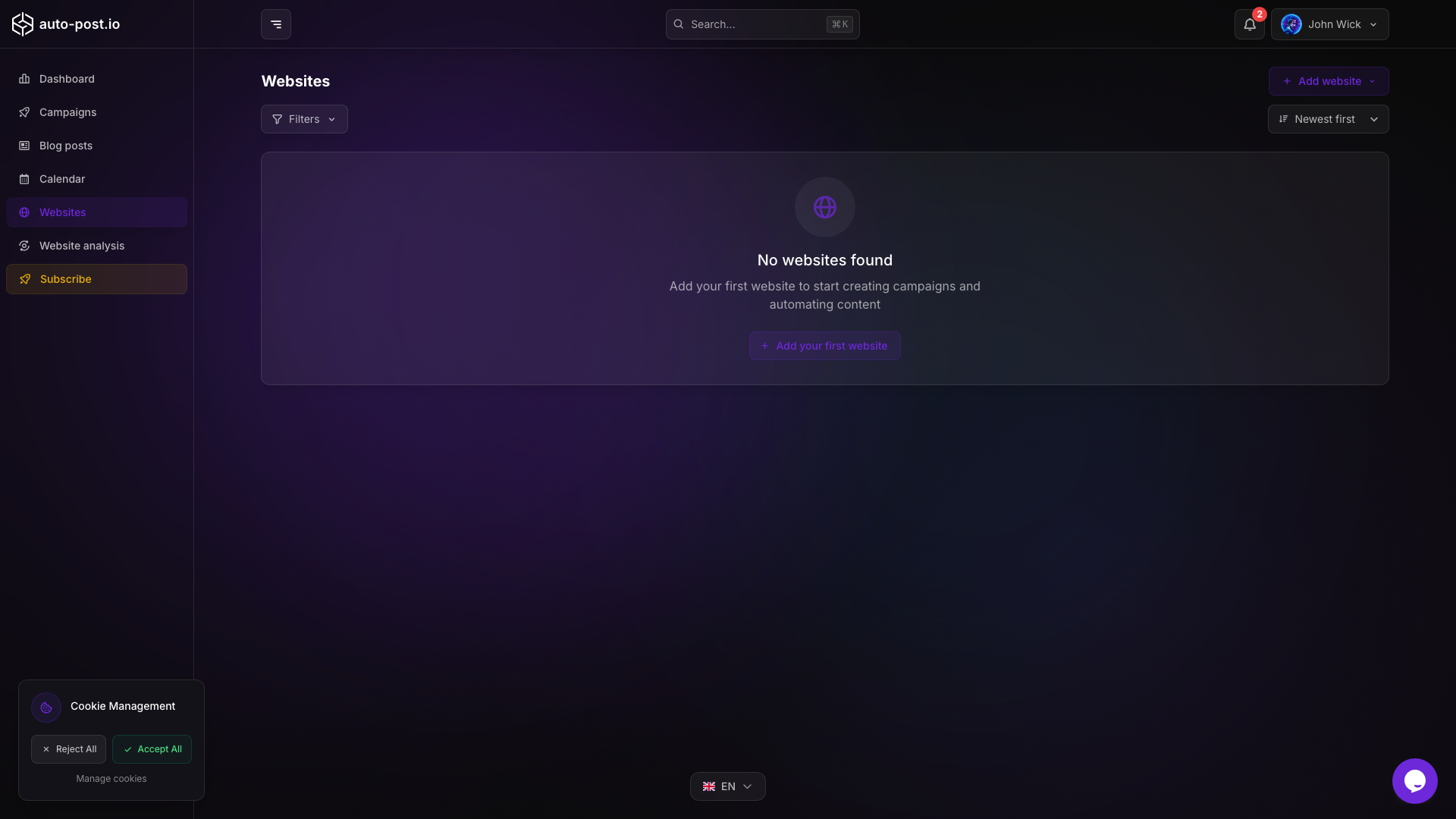
| Websites | app/website/ | Connect WordPress, Wix, Webflow, Shopify, or Payload CMS |
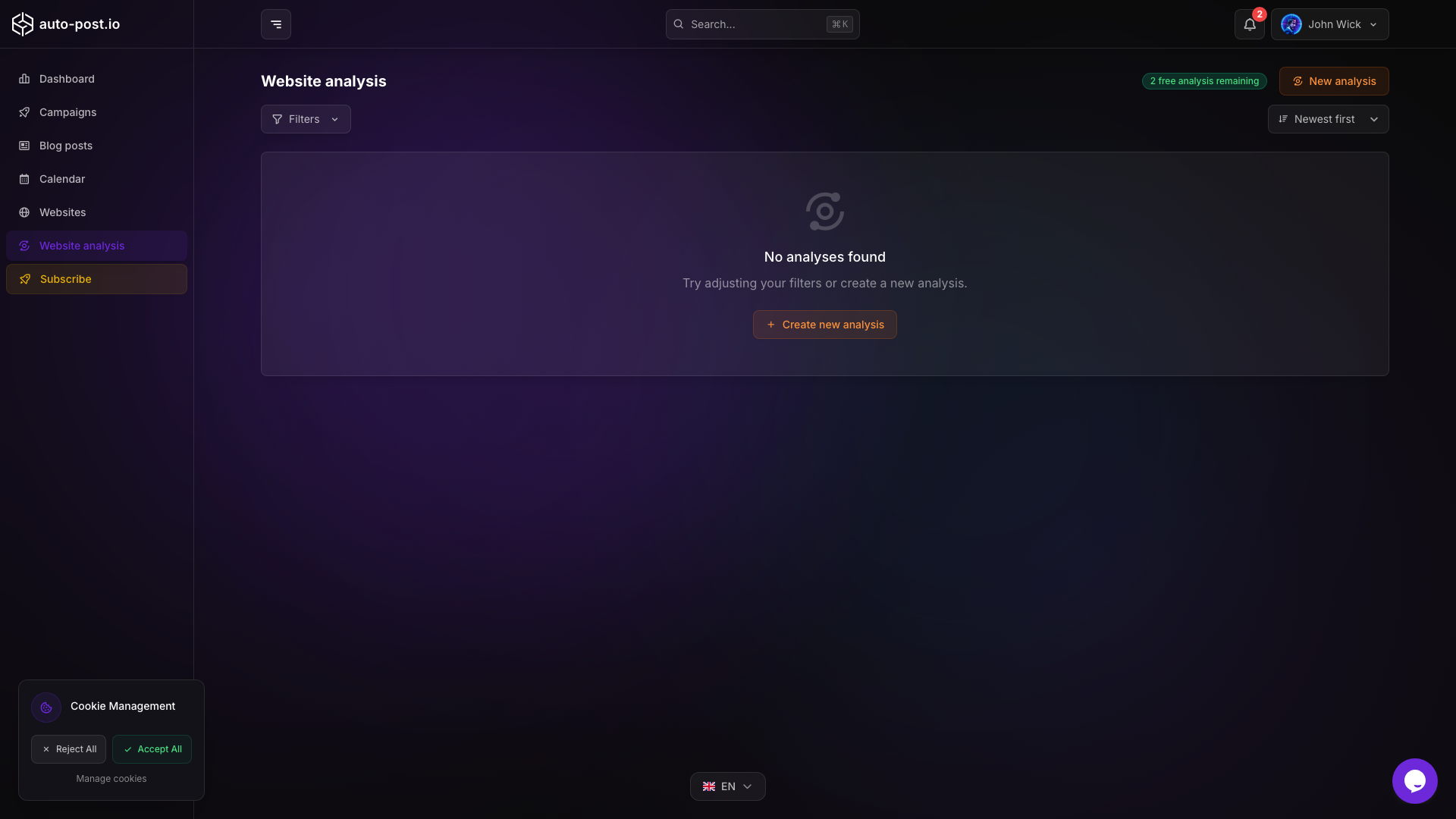
| Website analysis | app/website-analysis/ | Analyze a URL for language, branding, and campaign suggestions |
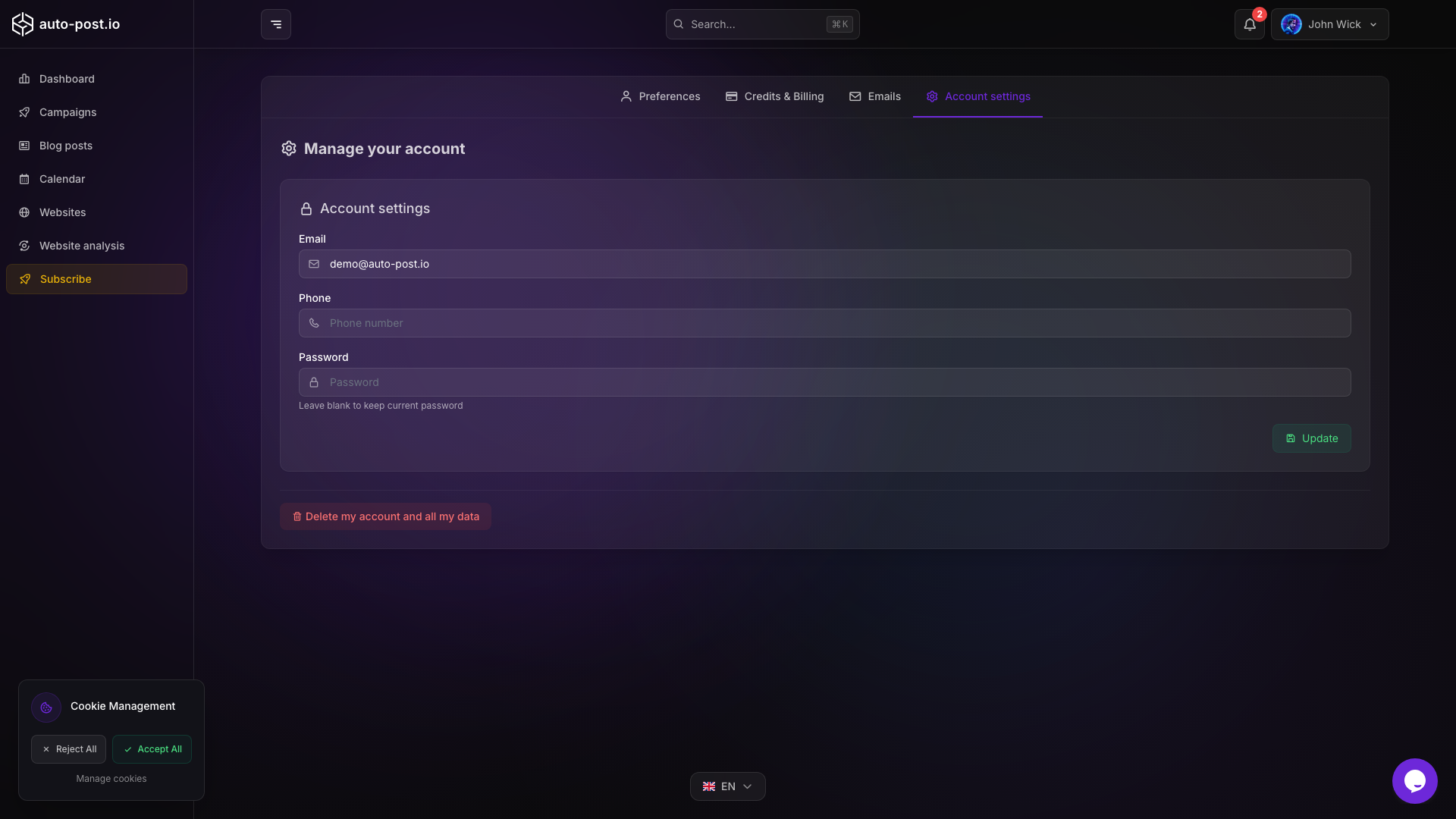
| Account settings | app/account/settings | Profile email, phone, and password |
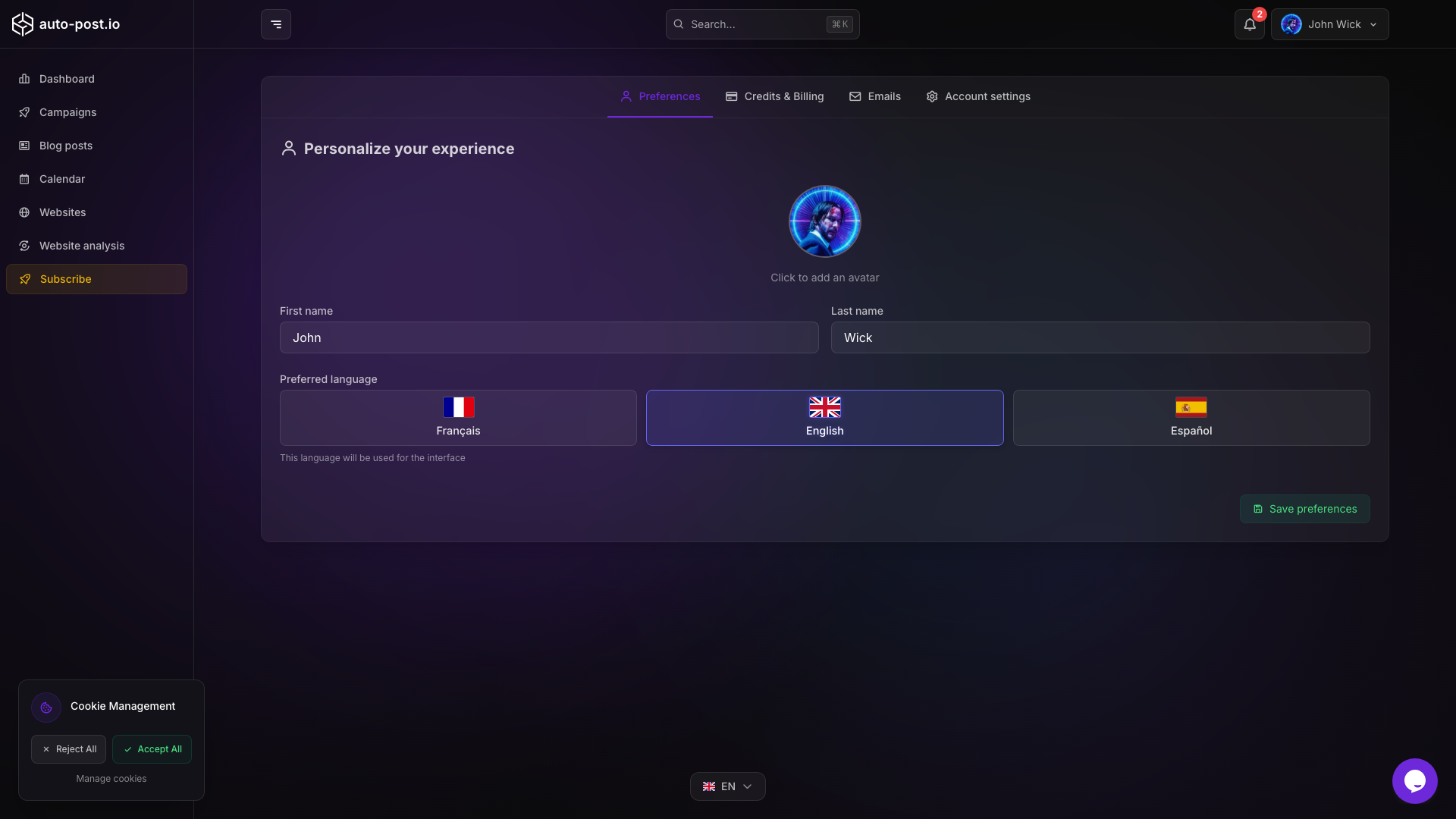
| Account preferences | app/account/preferences | App language (EN/FR/ES) and avatar |
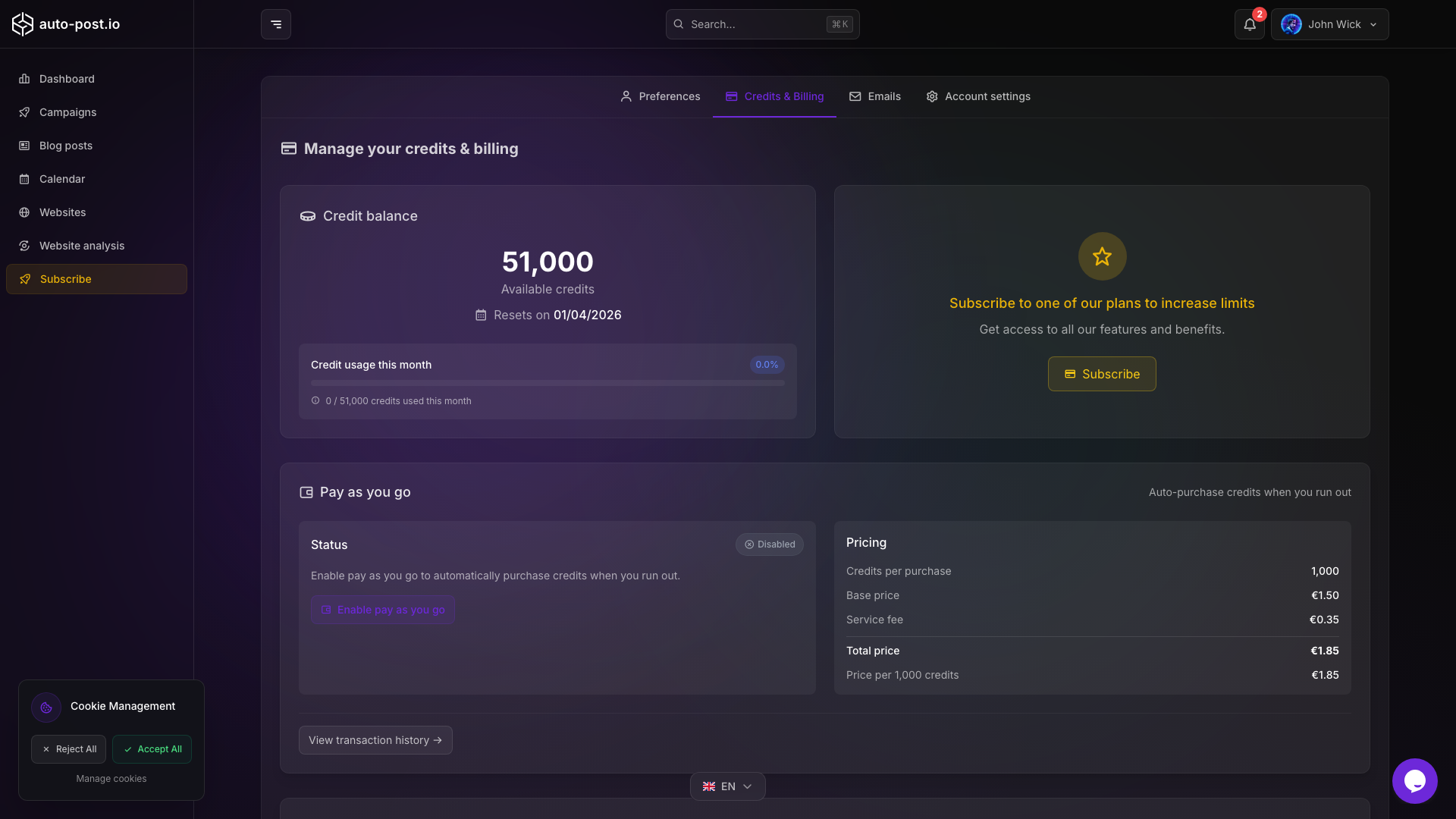
| Account billing | app/account/billing | Subscription, invoices, and pay-as-you-go credits |
| Notifications | app/notifications | Email, push, daily digest, and weekly digest preferences |
| Subscribe | subscribe/ | Upgrade or change plan |
Notifications and credits
- Configure which events send email or desktop push on Notifications
- Optional daily digest (batched events) and weekly digest when you have account activity
- Track credit usage and buy more credits on Account billing
- See Pricing and credits
Next steps
- Connect a website: WordPress, Wix, Webflow, Shopify, or Payload CMS
- Analyze the site (optional): Website analysis
- Create a campaign: Create a campaign
- Generate or review content: Blog posts, calendar quick generate, then publish
TIP
Check Pricing and credits for plan details and credit usage.
Last updated on 2026-10-04